Keep the source intact
SKU, barcode, price, stock, logistics and variants remain controlled by the ERP.
E-commerce / Product information
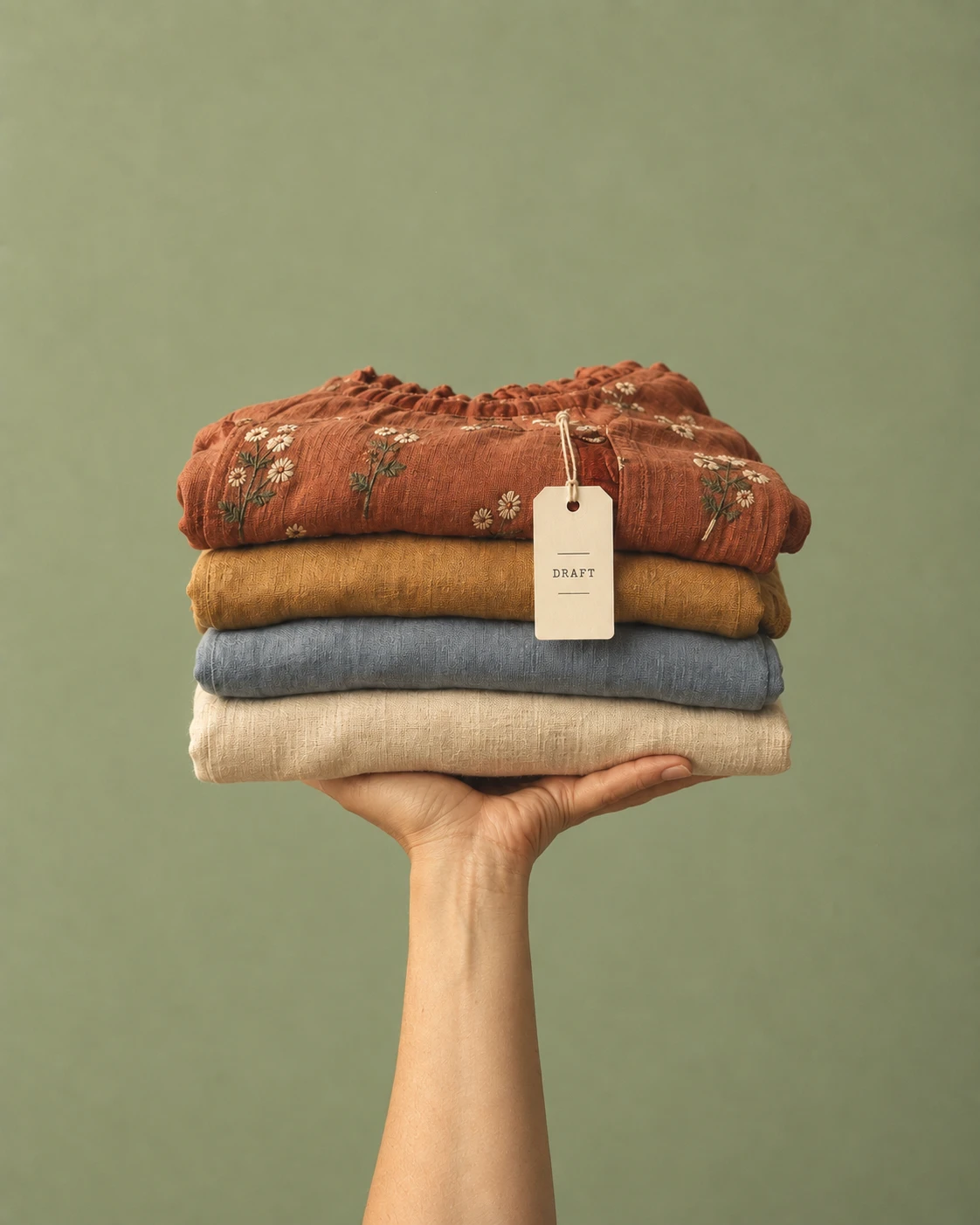
Shows AI-generated catalog drafts from product photos, with every record awaiting human review.
Recorded AI workflow · Human review
Explore the full project ↓This project explores a review workflow for creating more complete product content from images while preserving the original ERP records.
The original information is organized into proposed catalog fields. Original records remain intact, and a person reviews the proposed content before it is used.
44 fictional products sent to review: 40 complete drafts, four incomplete records and an unsupported material claim kept visible.
This is an independent portfolio workflow. Review and approval are part of the process, and the demonstration does not claim real production results.

The ERP held SKUs, prices, stock and variants. Most customer-facing fields were blank. The challenge was to draft useful content without turning a visual guess into a product fact.
SKU, barcode, price, stock, logistics and variants remain controlled by the ERP.
Images support visible details, not fabric composition or hidden construction. The instructions prohibit unsupported technical claims, but generated descriptions still need human review to catch errors.
Every processed row moves to REVIEW. No product is automatically published to a store.
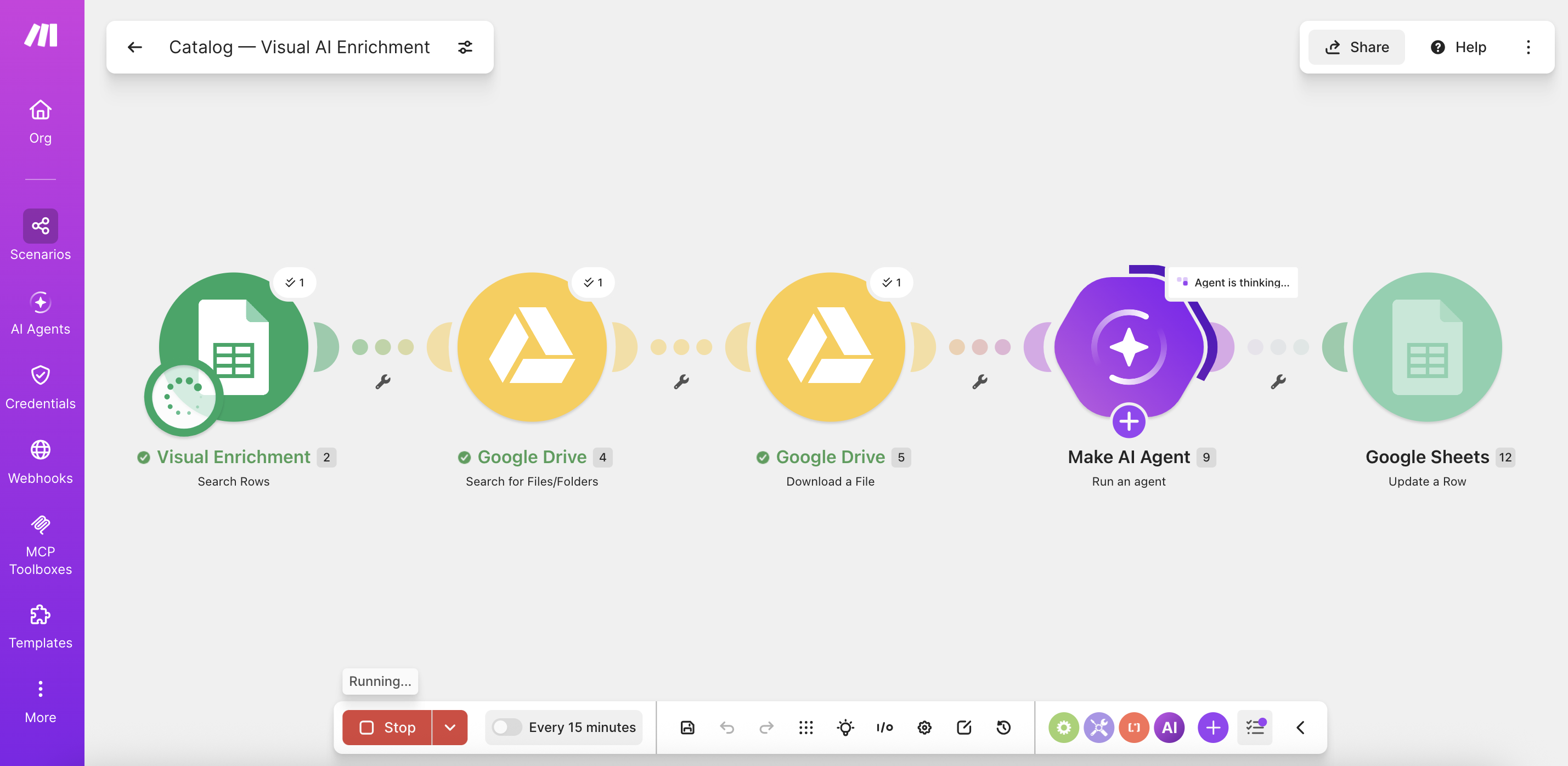
Select a step to see what happens, which tool is involved and where the boundary sits. This is an explainer, not a live execution.
Browse the 44 records and switch between the original fields and the enriched draft. Product content stays in its original English so you can inspect the evidence as produced.
The nine successful final Make.com runs used 374.08 credits and took 21 minutes 31 seconds in total. That is about 8.5 credits per product and 2.4 minutes per batch. Early tests and failed runs are excluded. These are prototype observations, not measured production savings.
I kept four incomplete records visible in the portfolio to show the exception path. In a live catalog, they would remain offline until a person completed the review.
| Final run | Status | Credits | Duration |
|---|---|---|---|
| 01 | Success | 47.69 | 2:28 |
| 02 | Success | 40.03 | 2:47 |
| 03 | Success | 39.81 | 2:41 |
| 04 | Success | 42.49 | 2:44 |
| 05 | Success | 38.37 | 2:07 |
| 06 | Success | 41.89 | 2:12 |
| 07 | Success | 41.61 | 2:10 |
| 08 | Success | 40.01 | 2:07 |
| 09 | Success | 42.18 | 2:16 |
| Total | 9 successful | 374.08 | 21:31 |
The first attempt to process all 44 products timed out. I reduced each batch to five READY rows. Completed records move to REVIEW, so later runs can pick up remaining work without repeating it.
The first descriptions sounded stiff. I separated visible facts, styling suggestions and details needing confirmation. This made the drafts clearer without treating uncertain attributes as facts.
I used ChatGPT to develop fashion sketches and turned the collection into realistic product images. This dataset was created before, and separately from, the Make.com enrichment workflow.
Hover over a sketch, or tap it, to reveal its product image.


Download the sanitized source and enriched workbooks to inspect the study data.
LET'S PUT THAT CURIOSITY TO WORK