Visible evidence
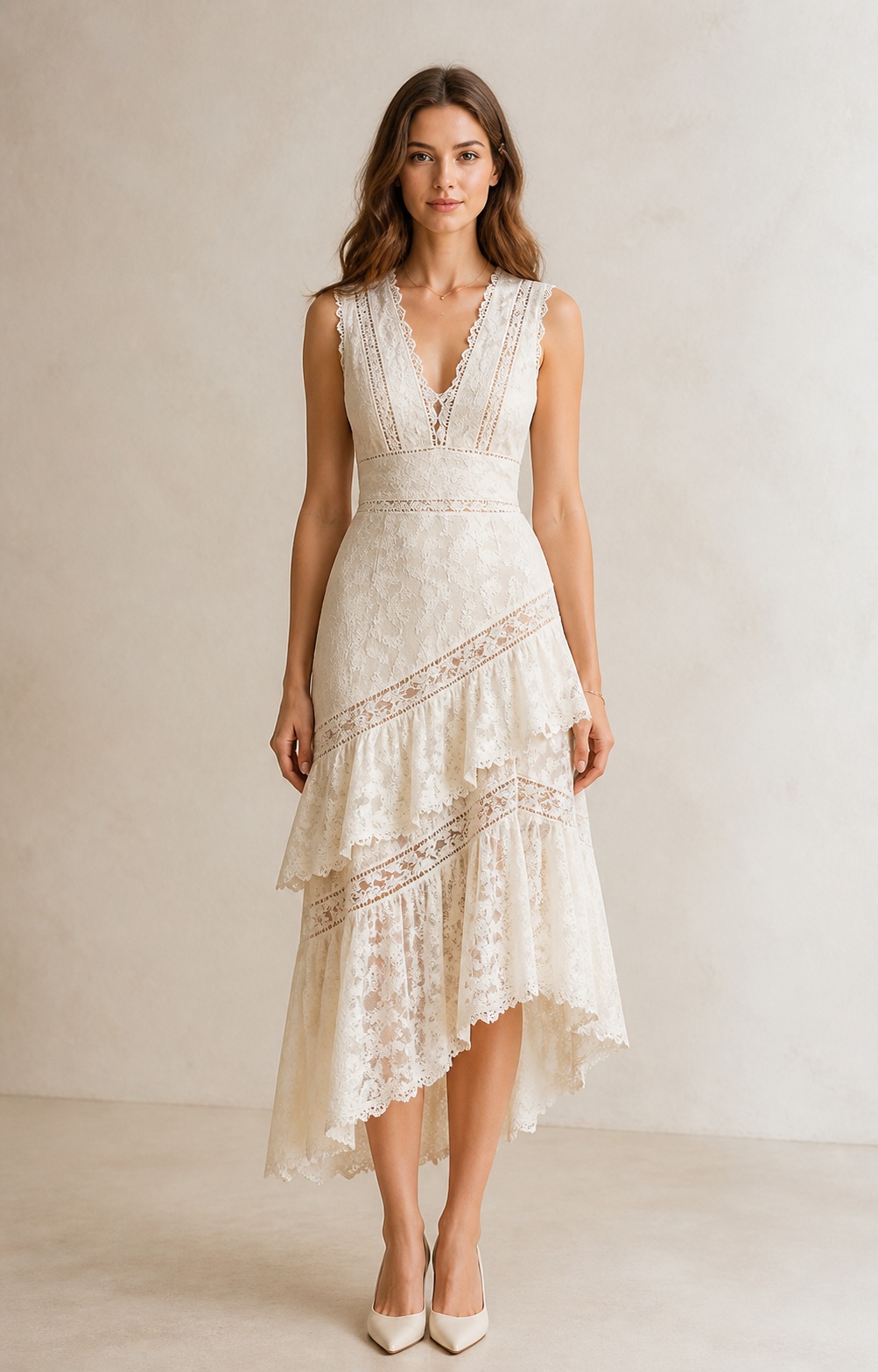
Color, silhouette, neckline, length, embroidery, texture, and other details a shopper can see in the image.
I built and tested this Make workflow to turn product-image evidence into catalog drafts that a person can review. I set the ERP fields that remain the source of truth, defined the customer-facing outputs the workflow can prepare, and designed the review handoff before any product could be published.
The ERP already contained the data needed to run the business: SKUs, barcodes, prices, inventory, variants, and image filenames. Most of the content that customers would see was still blank.
Writing nine customer-facing fields, including titles, categories, descriptions, tags, SEO fields, and alt text, by hand for 44 products would take time. In this test, the workflow took about two minutes per product to prepare those fields for review, while keeping the catalog more consistent.
The workflow uses AI to identify visible product characteristics and turn them into product-page content and categorization. Guardrails keep visual observations from becoming unsupported facts, and every product goes through human review before publication. Here is how it works:
I created this view to connect the completed spreadsheet to the customer-facing product page it could support. This is a portfolio example, not a live Shopify integration.
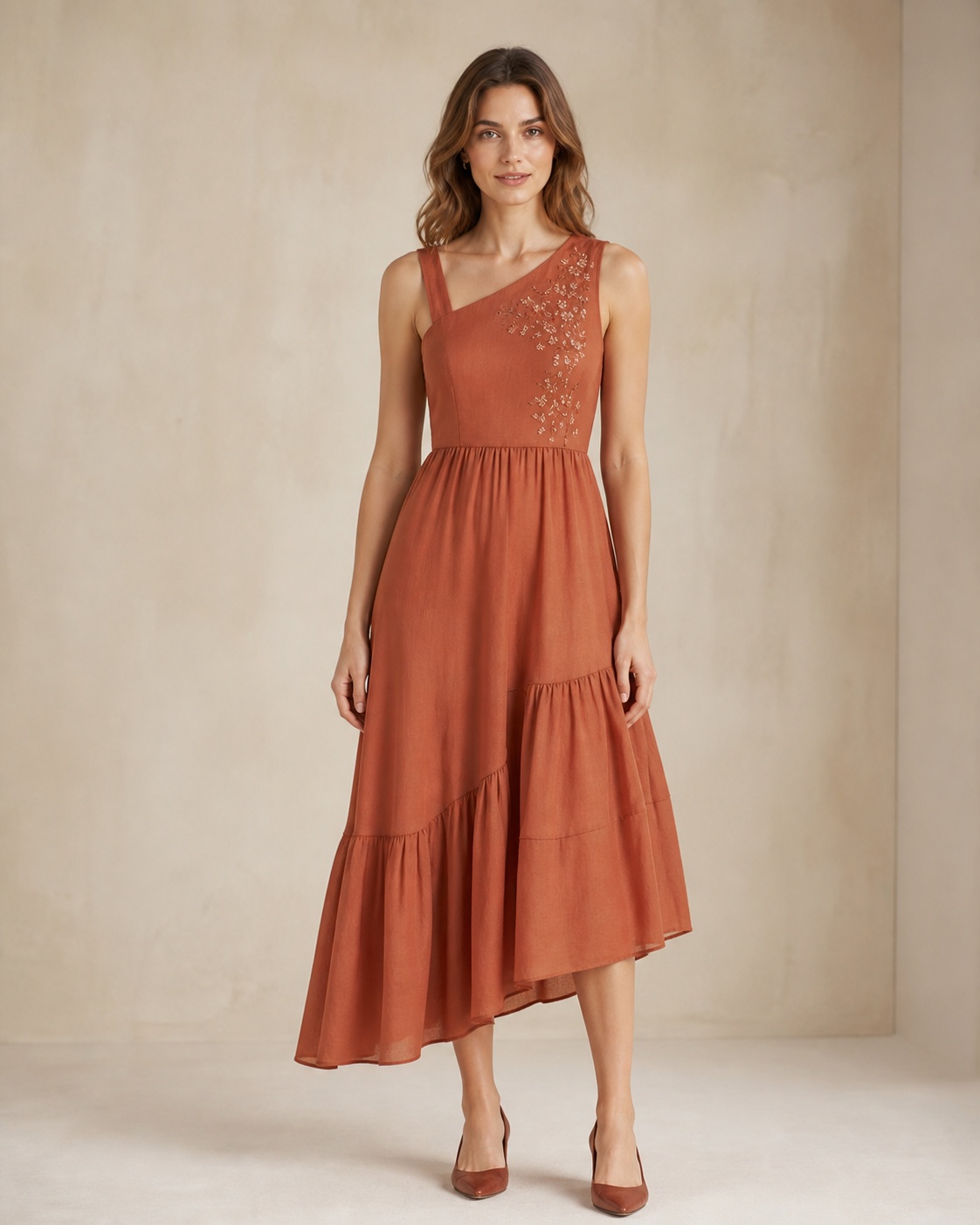
Terracotta
The draft turns visible product evidence into language a customer can use. It describes what can be seen, makes room for practical styling context, and keeps unconfirmed facts out of the copy.
Color, silhouette, neckline, length, embroidery, texture, and other details a shopper can see in the image.
Those details become clear product copy, with styling suggestions framed as suggestions, not product facts.
Fabric composition, measurements, construction, and anything else the image cannot confirm stays blank for review.
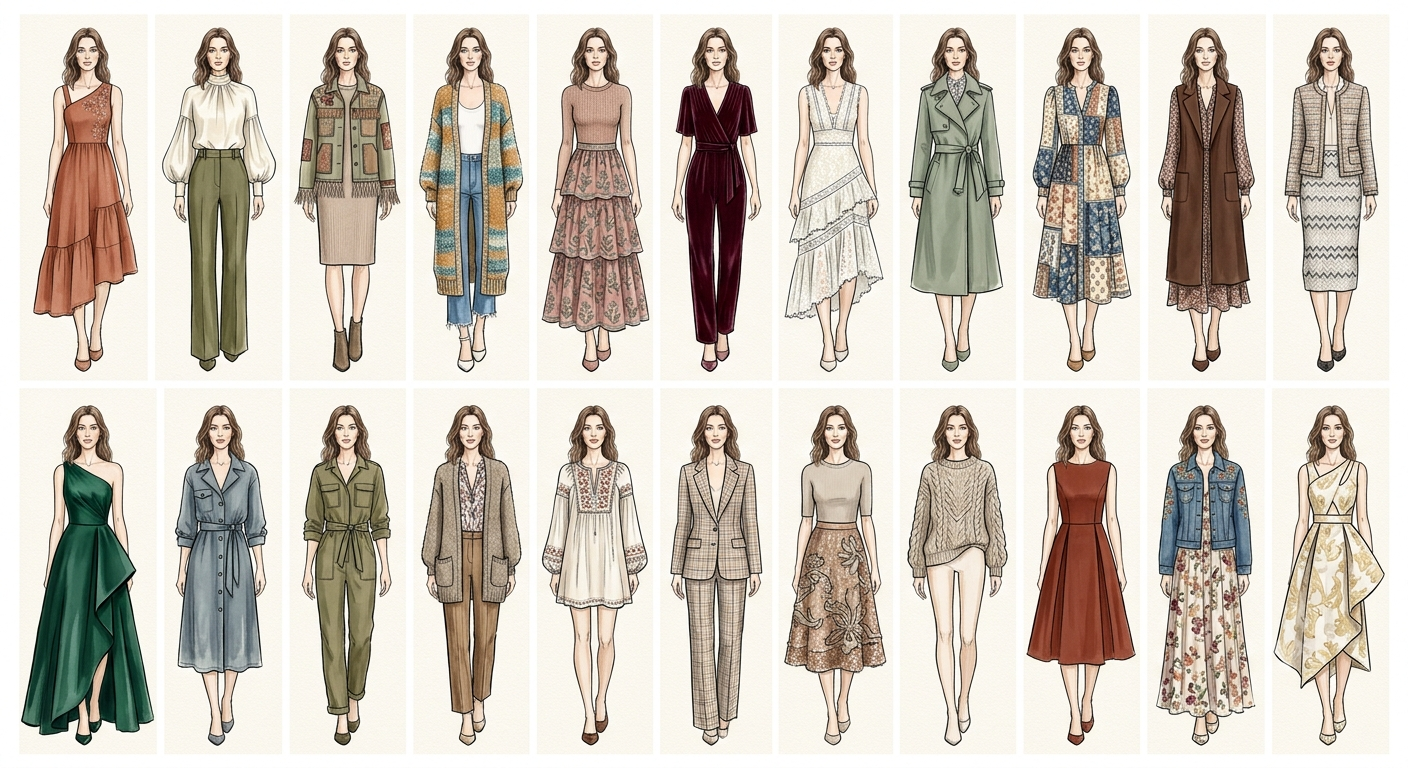
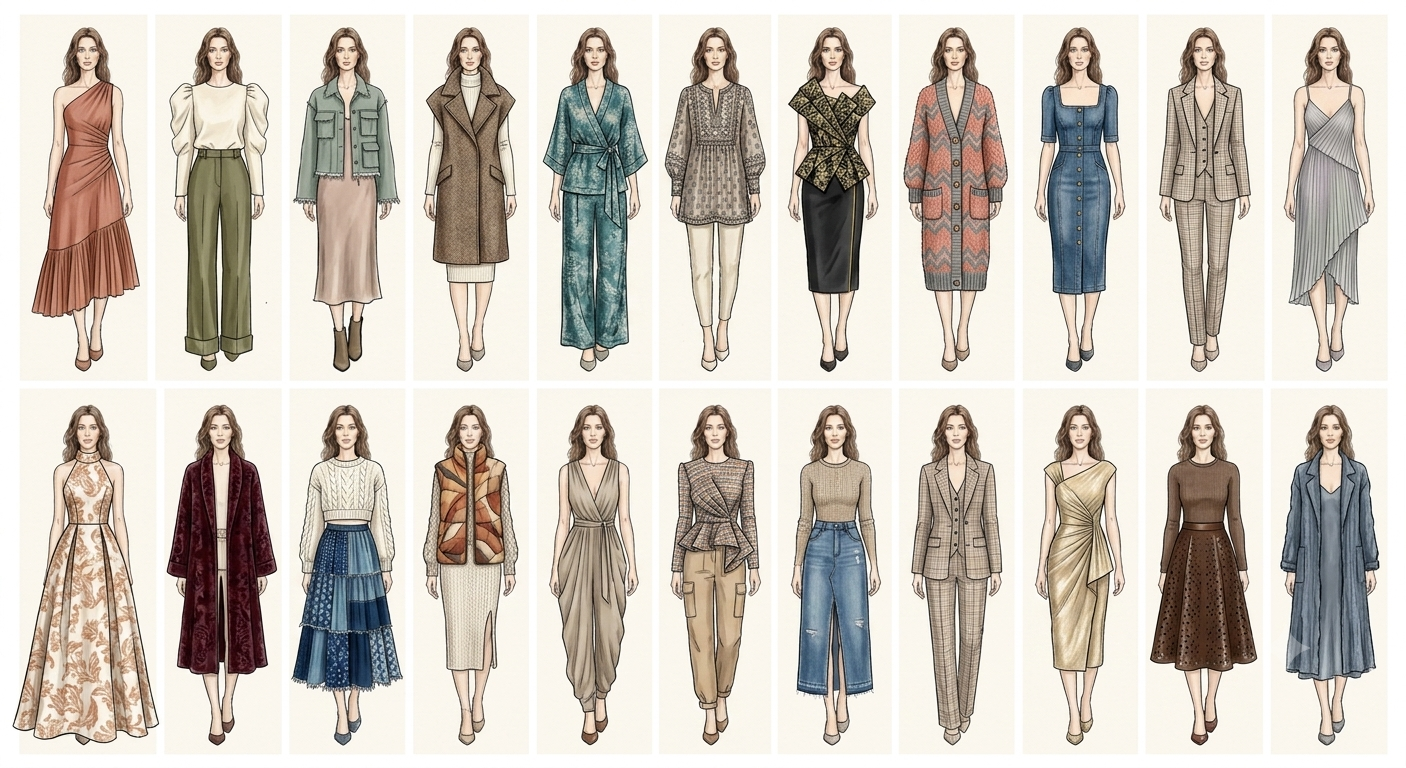
Select a sketch to view its corresponding product image. I created the fashion sketches first, then turned each look into a realistic product image and used the full set as the synthetic test catalog. This image set was created separately from the Make.com enrichment workflow.
The run timed out, so I changed the workflow to process five products at a time. When a row is complete, its status changes to REVIEW. The next run starts with the remaining READY rows and does not repeat finished work.
The practical lesson: the status column became as important as the prompt.
The descriptions followed the requested structure, but they did not sound natural. I changed the instructions to separate three things: what the image clearly showed, what could be offered as a styling suggestion, and what the image could not confirm.
The final descriptions sound more like a stylist explaining the piece to a customer. Any detail that still needs confirmation stays in the review fields.
All 44 products reached REVIEW. Forty have every enrichment field completed. I kept four products with blank fields in this portfolio so the review case stays visible. In a live catalog, those products would remain offline until a person reviewed and completed the missing fields.
These sanitized spreadsheets show the study data. The first contains the original ERP data. The second contains the fields added by the Make.com workflow.